
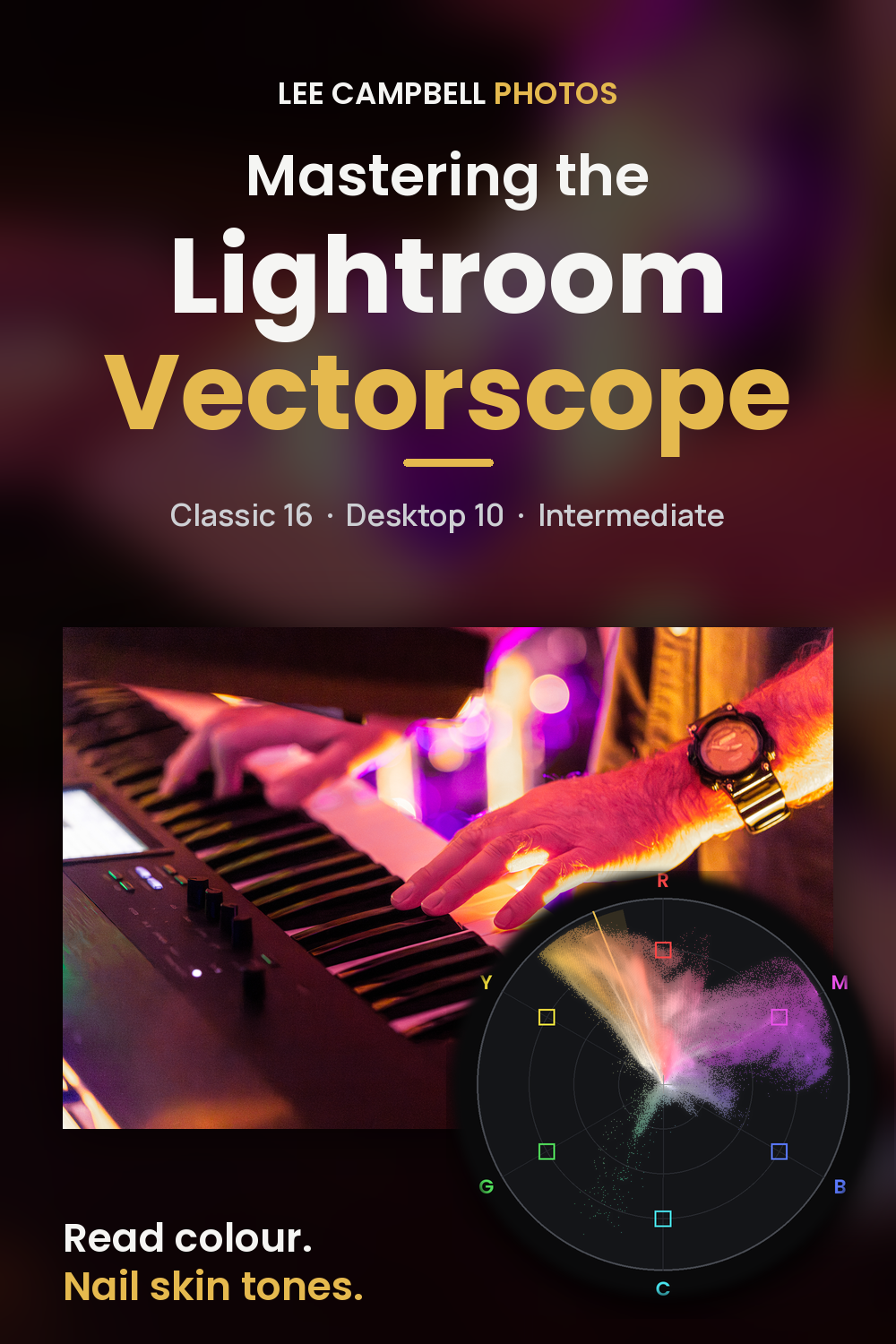
 Image 1 of 3
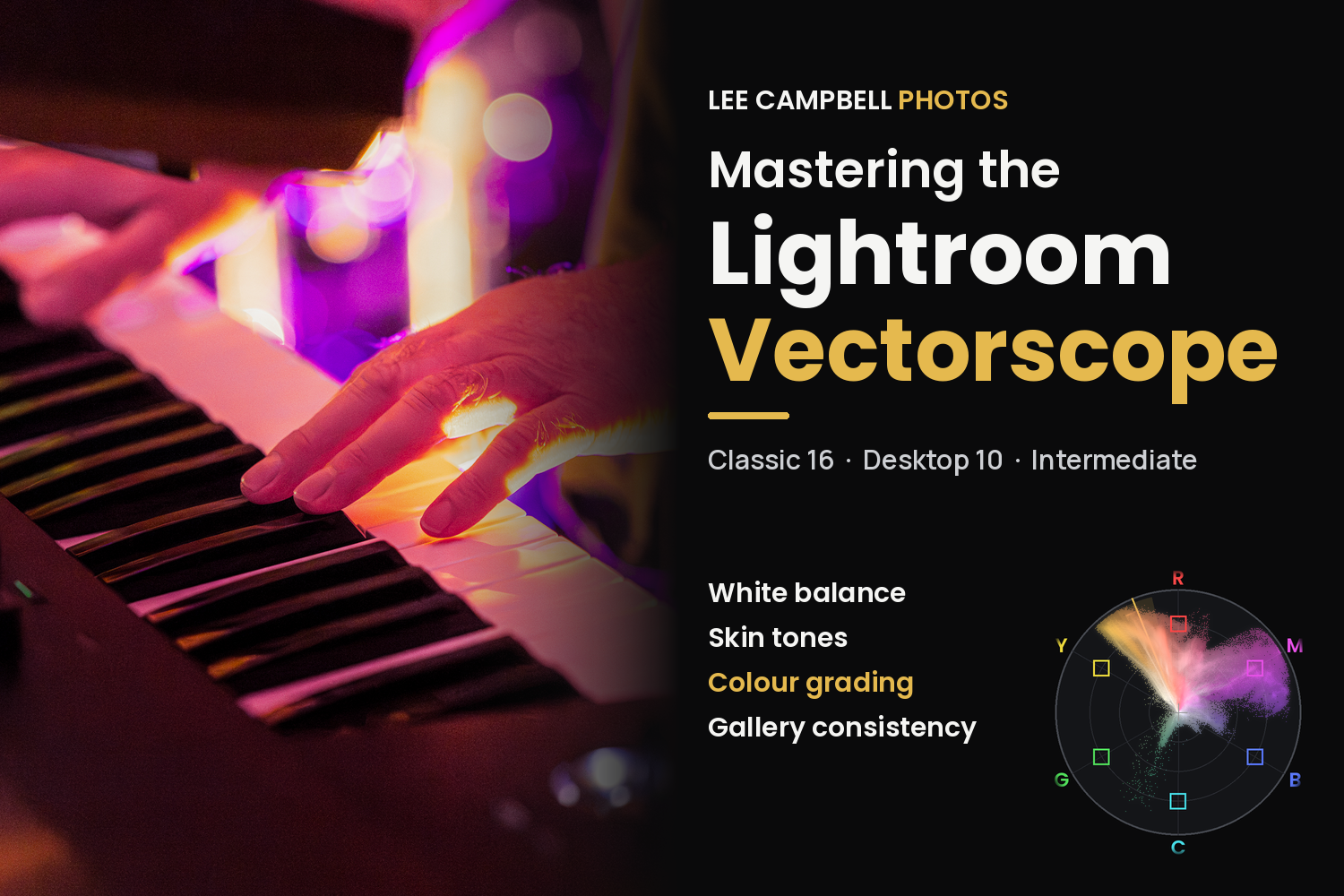 Image 2 of 3
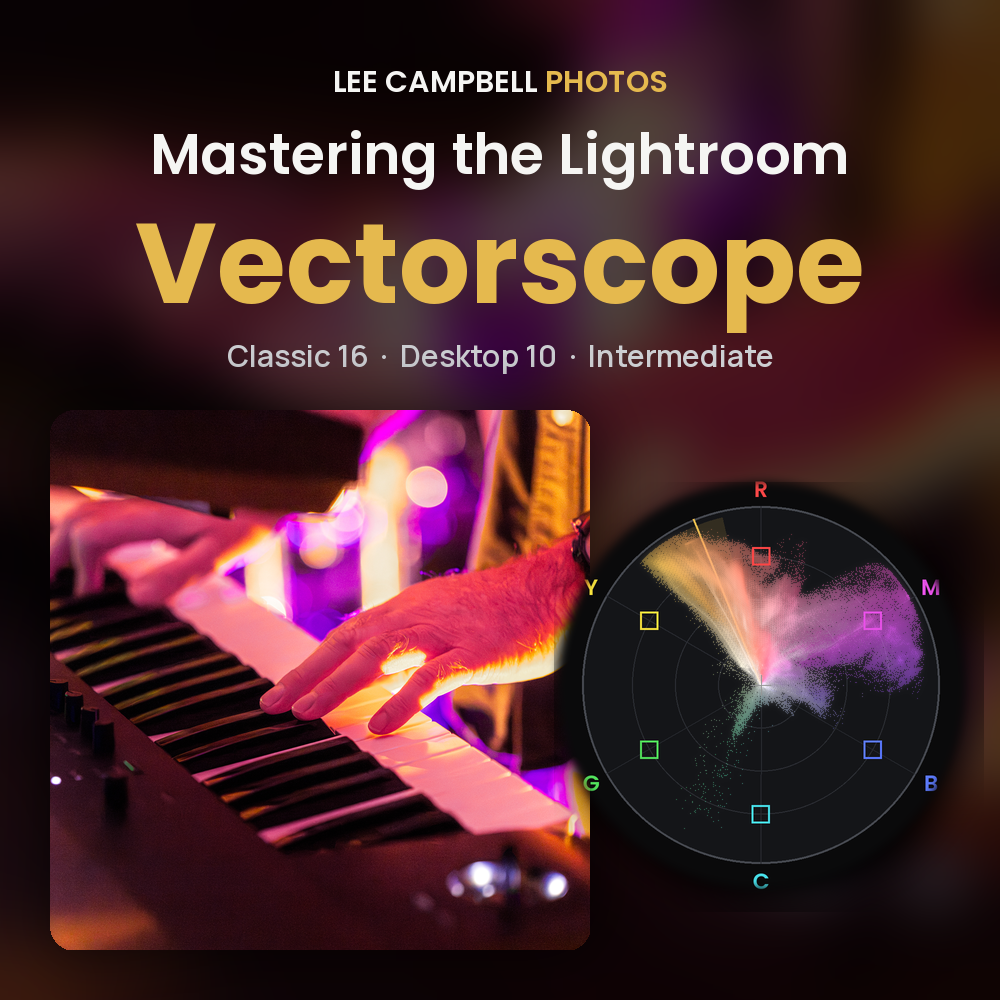 Image 3 of 3
Launch offer £4.99 (£19 after Black Friday)
Lightroom finally has a Vectorscope, and it changes how you edit colour. Your eyes adapt to a colour cast within minutes; the scope never does. This Intermediate course shows you how to read it in seconds and use it on real photos, in both Lightroom Classic 16 and Lightroom Desktop 10.
What you’ll learn
Find and set up the Vectorscope in both apps, including Preview Color Space and Standard vs Right-origin orientation
Read it without guesswork: neutrals at the centre, hue by angle, saturation by distance, the six colour targets and the skin tone line
Fix white balance in fluorescent, tungsten, LED and mixed light, before you grade
Get natural skin tones with Masking (Select People: Facial Skin + Body Skin), masked Temp/Tint and Point Color
Grade on purpose with complementary palettes and the new masked Color Grading, and keep a whole gallery consistent with hero-frame checks
What you get
5 focused modules plus a recap, about 60–75 minutes in total
An interactive Vectorscope Explorer: hover any pixel of a real photo and see exactly where it lands on the scope
Drag-to-compare before/after examples on Lee’s own photos, with vectorscope plots computed from each photo’s pixels
A 3-question quiz in every module, with instant feedback
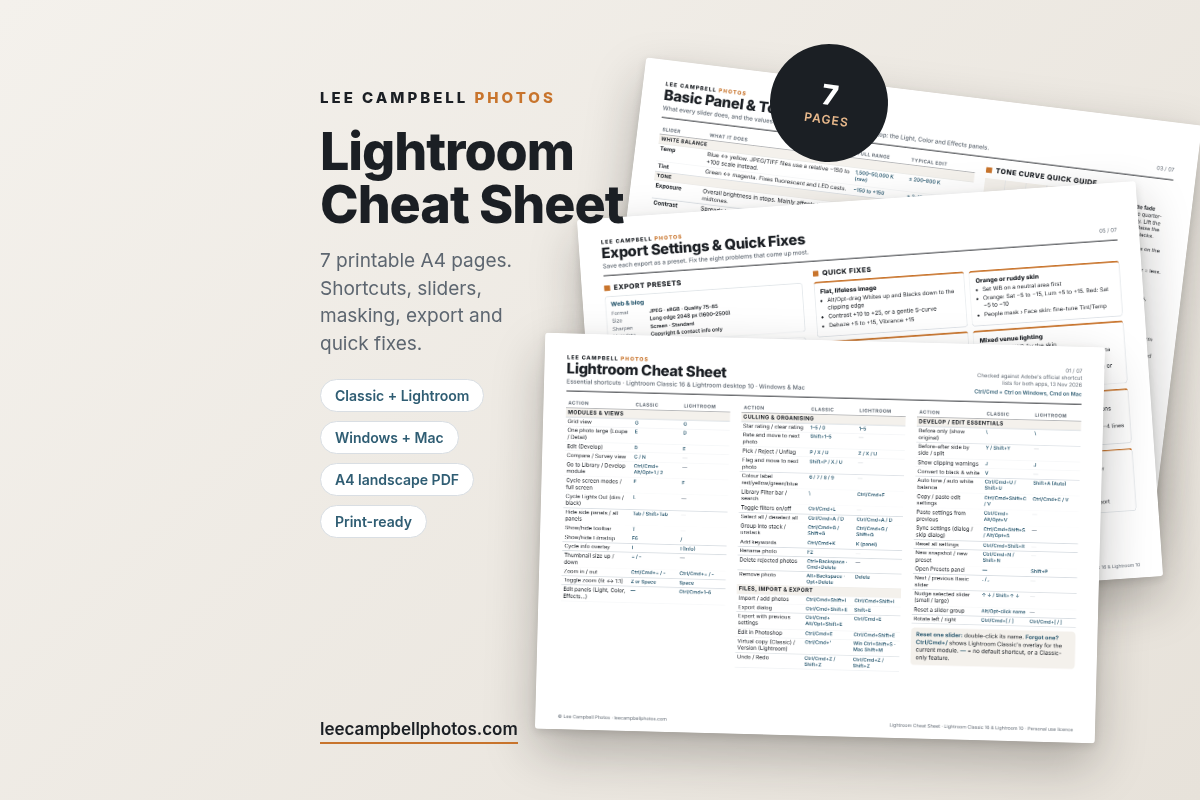
A printable 1-page cheat sheet (PDF) with the 60-Second Vectorscope Routine
4 practice photos, picked for each skill
Progress saved in your browser as you go
Requirements
Adobe Lightroom Classic 16.0 or later, or Adobe Lightroom (desktop) 10.0 or later. The Vectorscope isn’t in Lightroom Mobile 12.0 yet.
A Mac or PC with a modern web browser. No internet connection needed once downloaded.
You should already know your way around Lightroom’s basic editing panels. New to Lightroom? Start with Beginner Lightroom Classic or Beginner Lightroom.
FAQ
Can I do it on my phone?
Not from the download. Phones and tablets can’t run a course from a ZIP file, so download and unzip it on a Mac or PC and open 00-StartHere.html there. If you bought on your phone, just open the download email on your computer. The Vectorscope is a desktop feature anyway: it isn’t in Lightroom Mobile 12.0 yet.
My download link has expired.
Download links last 24 hours. If yours has expired, clicking it sends a fresh link to your email automatically.
Is it for Lightroom Classic or Lightroom desktop?
Both. Every step has a Classic 16 / Desktop 10 switch, and the course remembers which app you use.
Is there a certificate?
No. It’s a practical, self-paced course.
Questions?
Email lcphotos@mail.grokbot.com
Adobe, Lightroom and Lightroom Classic are trademarks of Adobe. This course is independent and isn’t affiliated with or endorsed by Adobe.