

Workshops & Courses
Learn Lightroom and level up your photos with Lee.
A 45-minute, one-to-one online Lightroom editing workshop with Lee Campbell, live over video call. Bring your own photos and learn by doing: masks, tone curves, colour grading and the finishing touches. Includes Lee's Lightroom Classic Cheat Sheet. After purchase you'll get a private link to pick a time that suits you.
A 45-minute, one-to-one online workshop with Lee Campbell. Share a handful of your favourite photos and get honest, encouraging feedback on composition, light and editing, live over video call. After purchase you'll get a private link to pick a time that suits you.
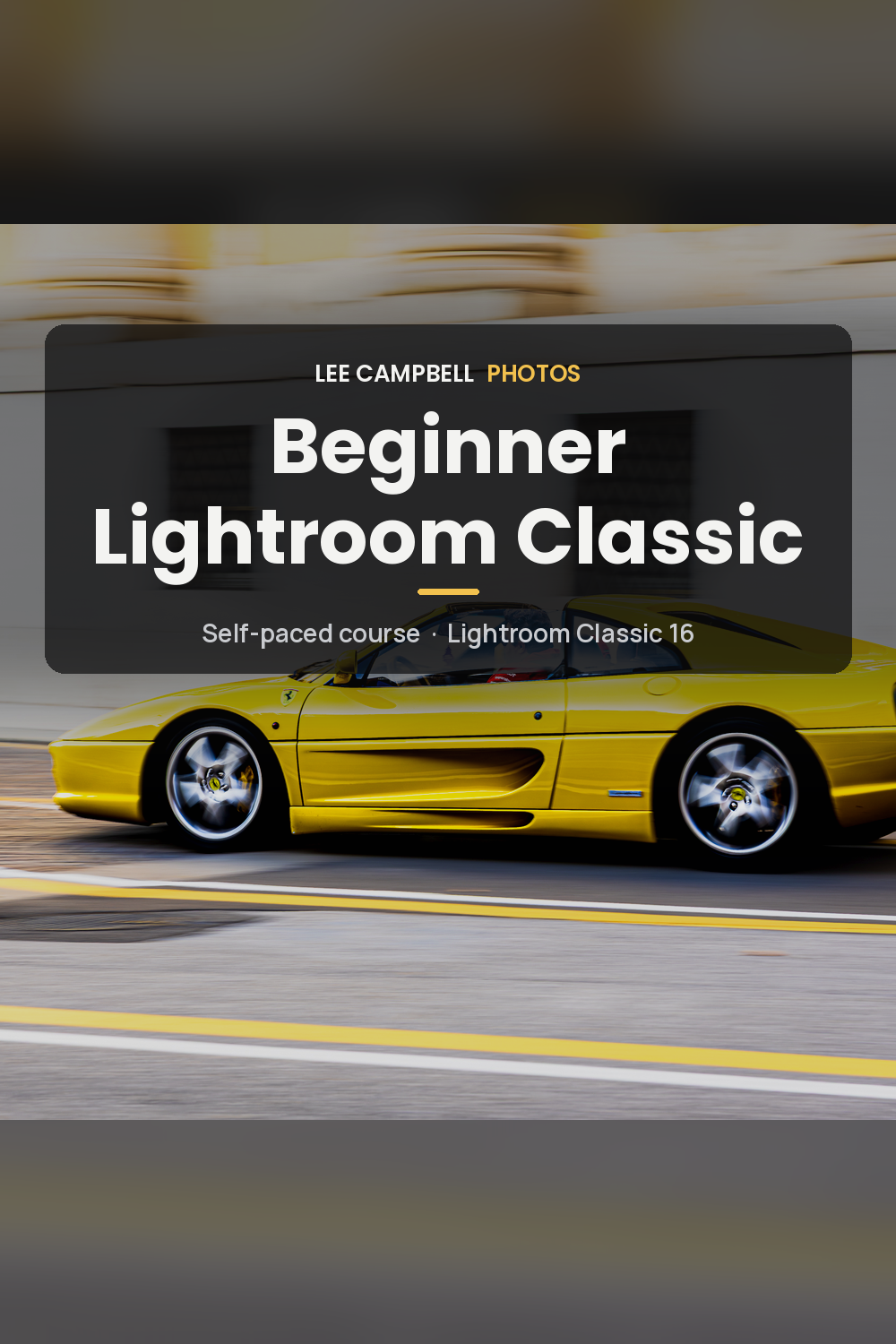
A self-paced course that takes complete beginners from never having opened Lightroom Classic to importing, organising, editing and exporting with confidence. Seven short sessions, quizzes, four raw practice files and the Lightroom Cheat Sheet. Works offline in any desktop browser. £29.
From never having opened it, to exporting with confidence.
Intro
This self-paced course walks complete beginners through Lightroom Classic 16, using real photographs from a working UK commercial and event photographer. In about three and a half to four hours you'll import safely, organise a shoot, make a clean, natural edit and export files that look right — with quizzes to check you're with it, and practice files you can actually work on.
What you'll learn
How the catalogue works, so photos never "go missing"
How to import safely, add your copyright and back up properly
How to cull quickly and organise with collections and keywords
A reliable editing order: profile, white balance, then the Basic panel
Crop, straighten, clean up and Denoise
How to sync edits, use presets and export the right file every time
Who it's for
Anyone who has never opened Lightroom Classic, or who opened it, felt lost and closed it again. It is written for complete beginners, on Windows and Mac, and for version 16. It is for Lightroom Classic, not the cloud Lightroom app — the course explains the difference. It does not cover masks, the Tone Curve or colour grading; those come next, once this workflow is in your muscle memory.
What you get
The full interactive HTML course: seven short sessions, about 3.5–4 hours
A short quiz after each teaching section, plus a final review quiz, with instant feedback (nothing is sent anywhere)
Nine practice photographs (finished JPEGs) and four unedited raw files: Ferrari Yellow, Alfa Romeo, Guitar and Lake Garda Sunset
The Lightroom Cheat Sheet (PDF) in the Reference area, plus shortcuts, quick answers, a glossary and a printable checklist
A course that works offline, in any desktop browser.
Price: £29.
Requirements
A Mac or PC with Lightroom Classic installed. The course is written for Lightroom Classic 16. The Adobe app is not included.
A Mac or PC with Lightroom Classic. Download and open the course on that computer.
How delivery works
Download the ZIP (about 200 MB) on a Mac or PC, unzip it, open the beginner-lightroom-classic folder and double-click 00-StartHere.html. Your download link lasts 24 hours. If it has expired, just click it and a fresh link is emailed to you automatically.
FAQ
Is this for Lightroom or Lightroom Classic?
Lightroom Classic — the desktop app with the catalogue. Not the cloud Lightroom app. The first teaching section helps you check you're in the right one.
Do I need Lightroom Classic already?
Yes. You'll need it installed on a Mac or PC. This course does not include the Adobe app or a subscription.
Can I do it on my phone?
You can buy on your phone, but please download and open the course on a Mac or PC. Phones can't run the lessons and quizzes from a downloaded ZIP, and you'll need Lightroom Classic on a computer for the practice files anyway.
How do I start the course?
Download the ZIP (about 200 MB) on a Mac or PC, unzip it, open the beginner-lightroom-classic folder and double-click 00-StartHere.html. Your download link lasts 24 hours. If it has expired, just click it and a fresh link is emailed to you automatically.
Is there a certificate?
No. You'll know you've nailed it when you can take a shoot from import to export yourself, with a backup you trust.
More from the shop
Lightroom Presets
Sports & Event and Italian Lakes & Alps preset packs.
Prints & Downloads
Pro cycling and Italian lakes & mountains images.
Gift Vouchers
Give the gift of a workshop or shoot.
Sussex XC 2026 Race Photos
Find and buy your race photos.
Edit faster with this print-ready, 7-page A4 landscape guide. It's built from the workflow of a working UK commercial and event photographer. Inside you'll find:
- essential Windows and Mac shortcuts, checked against Adobe's official list
- the Develop panel order
- every Basic slider explained, with typical values
- a quick guide to the Tone Curve and HSL
- which mask to use and when
- export settings for web, Instagram, print and client delivery
- quick fixes for flat images, skin tones, noisy event shots and mixed lighting
Print it, pin it next to your screen and stop hunting through menus. Instant PDF download, for personal use.
Prefer it free? Get the cheat sheet free when you join my mailing list.